
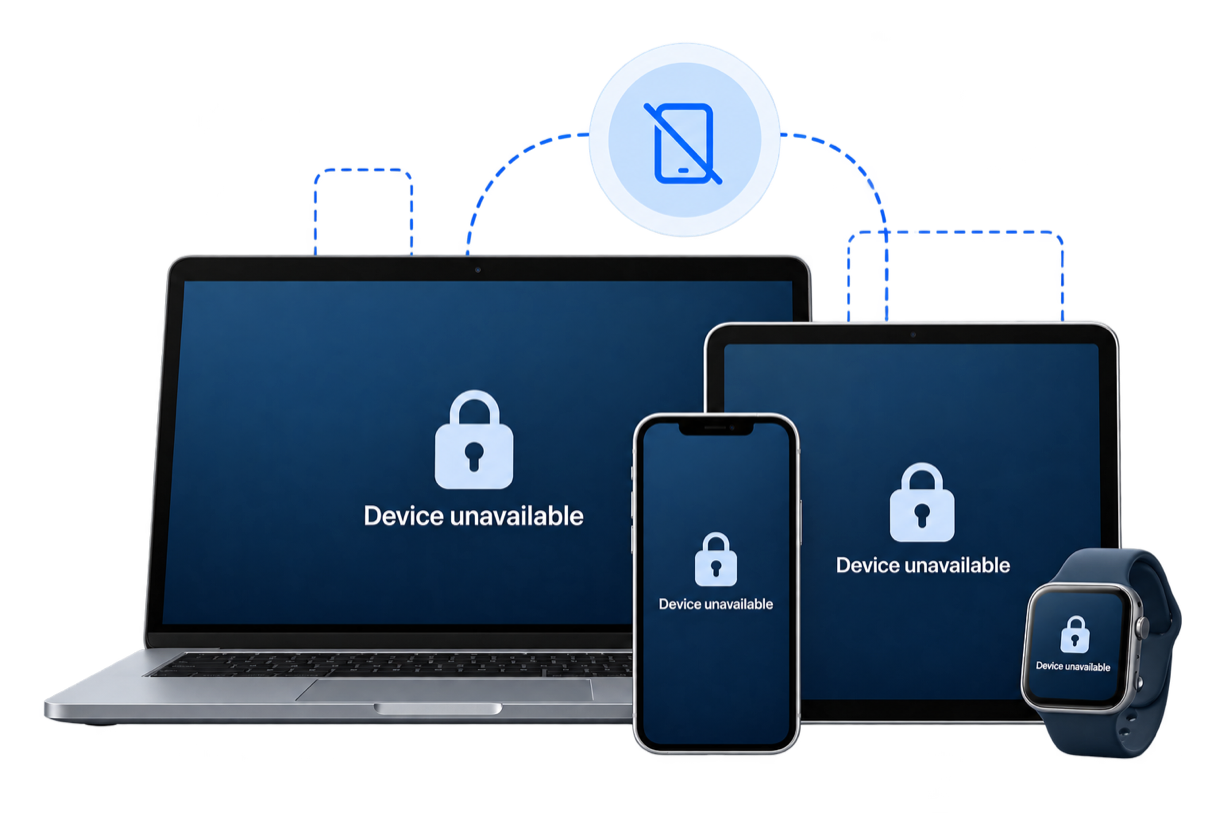
PasswordFix is in development. Features and timing may change before release.

Lost every trusted device? Your Recovery Kit gets you back in.

Install PasswordFix on a new phone and sign in with your email, master password and the PasswordFix Key from your Recovery Kit. No one else can do this for you - not even PasswordFix.

Learn about recovery →
Device unavailable
  • We can't reset it for you

    We can't see or reset your master password, open your Vault or recover your Emergency Safe. Only you can.

  • Protection against takeover

    Every reset has a waiting period, with alerts on all your devices and by email. You can cancel it from any of your devices.

  • Unlock what you can prove

    Your master password and PasswordFix Key unlock your data. Legal identity alone cannot decrypt vault contents.

Your security comes first.

Recovery is designed to be safe, deliberate, and resistant to unauthorized access.

Your recovery path depends on what you have.

Different situations can lead to different outcomes. Here's how it works.

1. YOU HAVE YOUR RECOVERY KIT

Sign in on a new phone

Install PasswordFix, then sign in with your email, master password and the PasswordFix Key from your Recovery Kit. Reopen your Emergency Safe with your Safe Spare Key or your other phone or iPad. Then remove the lost device from your account.

Learn how it works →

2. YOU STILL HAVE A TRUSTED DEVICE

Reset your master password

Forgot your master password? On a device you've already approved, you can set a new one with your PasswordFix Key. A waiting period and alerts on your devices and by email protect you if someone else tries.

3. NO CRYPTOGRAPHIC RECOVERY

Your data can't be recovered

Without your PasswordFix Key, and either your master password or a trusted device, nobody can recover your data - not even PasswordFix.

Learn why →

Reminder: Keep your Recovery Kit in one place and your Safe Spare Key in another.