

Vault
FOR YOUR REGULAR LOGINS
- Passwords and passkeys
- Everyday accounts and apps
- Quick sign-in on devices you choose
- On your phone and in your browser

PasswordFix is in development. Features and timing may change before release.
Keep everyday logins organized. Put your backup codes in a separate Emergency Safe on your phone or iPad. Choose which devices can open each vault.
Join the waiting list →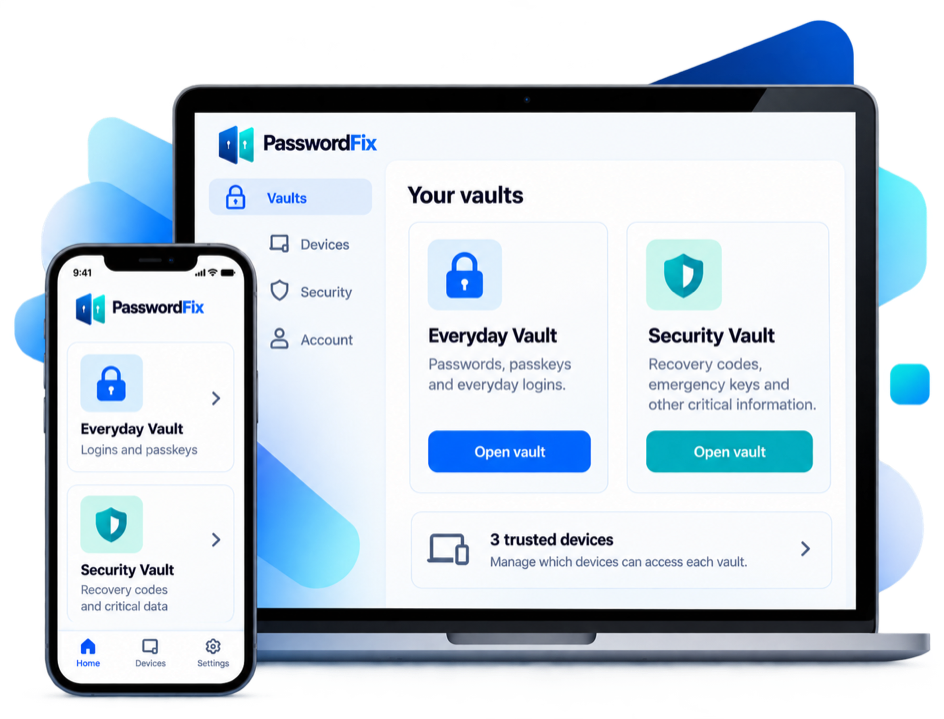
Your Vault is for everyday passwords and passkeys. Your Emergency Safe is for backup codes and recovery keys. It has its own passphrase and a key that stays on your phone or iPad.
FOR YOUR REGULAR LOGINS

For your critical recovery info
Choose which vaults each device can open, and see them all in one place. Your Emergency Safe stays on your phone or iPad.
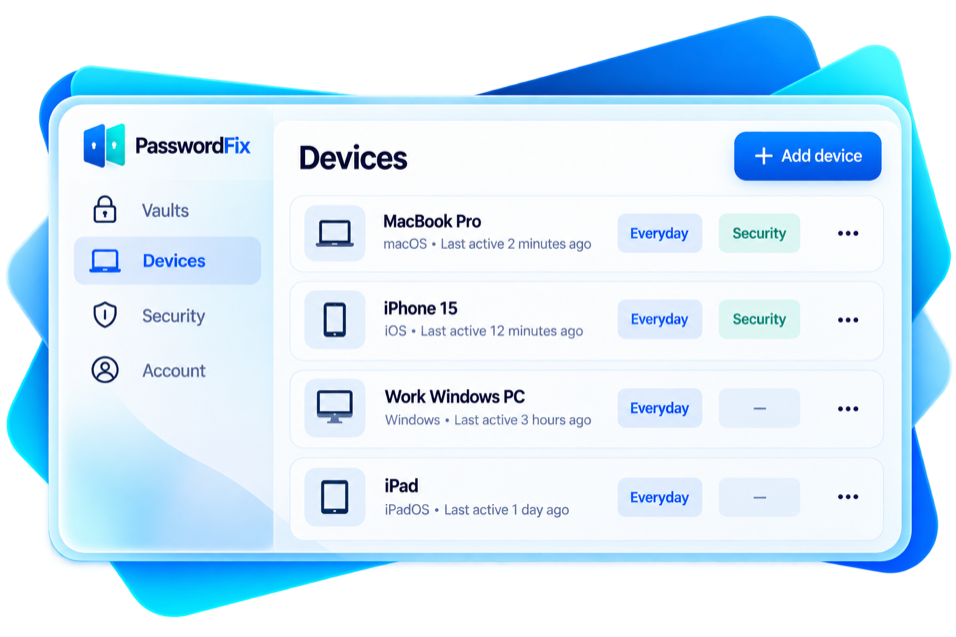

Choose which vaults are available on each device.

See all trusted devices and permissions in one place.
Remove a lost device from your account at any time.
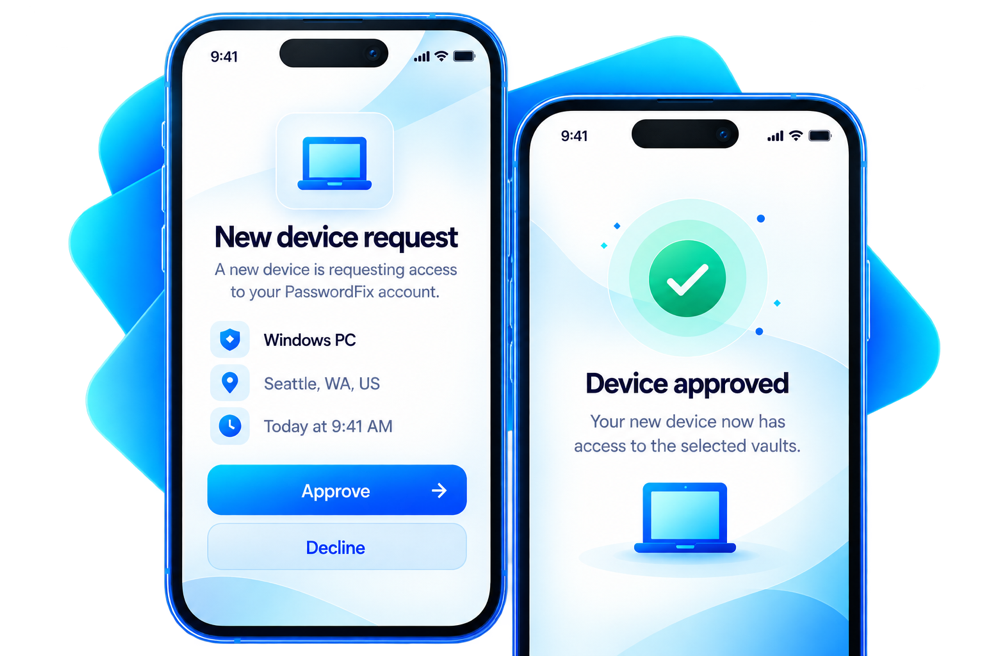
After setup, a new device needs approval from a device you already trust, or your Recovery Kit. Signing in alone isn't enough.
You'll get a request on a device you already trust.

A stolen sign-in alone can't add a new device.
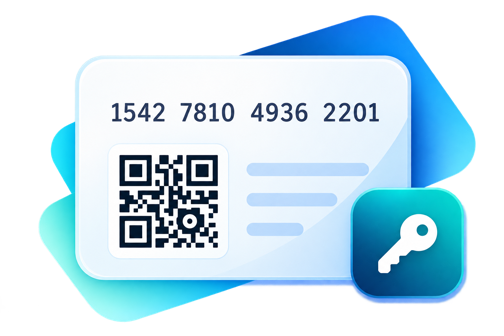
Lost your phone? Sign in on a new one with your master password and the PasswordFix Key from your Recovery Kit. Your Safe Spare Key reopens your Emergency Safe.
Join the waiting list →