PasswordFix is in development. Features and timing may change before release.

Your passwords and backup codes deserve different protections.

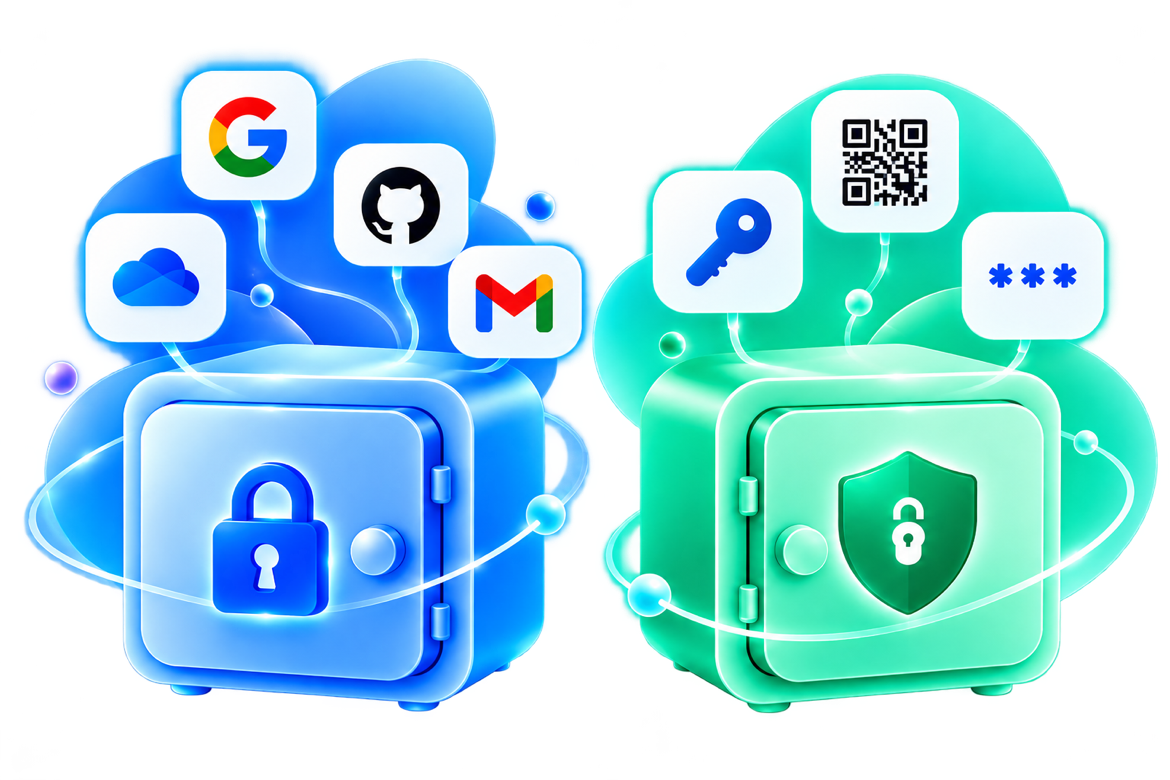
Unlocking your passwords shouldn't unlock every backup code too. Your Emergency Safe is locked separately, and stays on your phone or iPad.

Join the waiting list →

Vault For your regular logins

Emergency Safe For your critical recovery information

Vault

FOR EVERYDAY SIGN-INS

For everyday sign-ins, on the devices you choose.

  • Passwords and passkeys
  • Everyday accounts and apps
  • Quick sign-in on devices you choose
  • Use on your phone and in your browser
  • Email account alex@example.com
  • Bank alex@example.com
  • Streaming alex@example.com
  • Shop alex@example.com
  • Work portal alex@example.org

Emergency Safe

FOR SENSITIVE RECOVERY DATA

For MFA backup codes, recovery keys and other high-risk data. It opens only with its own passphrase, after your Vault is open. Its key stays on your phone or iPad.

  • MFA backup codes
  • Recovery codes for other accounts
  • Other sensitive account information
  • Only on your phone or iPad
  • MFA backup codes For your other accounts
  • Recovery keys Account recovery keys
  • Backup codes One-time use codes
  • Sensitive information Other critical data
  • iPhone 15

    • Vault
    • Emergency Safe

    Vault and Emergency Safe

  • MacBook Pro

    • Vault
    • Emergency Safe: phones and iPads only

    Vault only

  • Work phone

    • Vault
    • Emergency Safe

    Vault only

Set up a spare before you start

Before you finish setup, you'll add a second phone or iPad, or save a Safe Spare Key. Keep your Safe Spare Key in a different place from your Recovery Kit.

Using a backup code

Need a backup code? Open your Vault. Then open the Emergency Safe with its passphrase and read one code. Your computer never sees the rest.

IMPORTANT LIMITATION

Separation helps reduce shared exposure, but it is not absolute.

Separation helps only while your passphrases, keys and unlock sessions stay independent. A phone or iPad that is compromised while unlocked, or someone who has both your Recovery Kit and your Safe Spare Key, can still reach both.